 Timbler
Set up your encryption key
Your account key encrypts everything you create. You set it up once and unlock it once per device.
1. Open Key Hub
After your first sign-in, any Timbler app sends you to keys.timbler.org. Key Hub is the only place where
your full account key ever exists. It’s a separate site with a strict security policy and no user content.
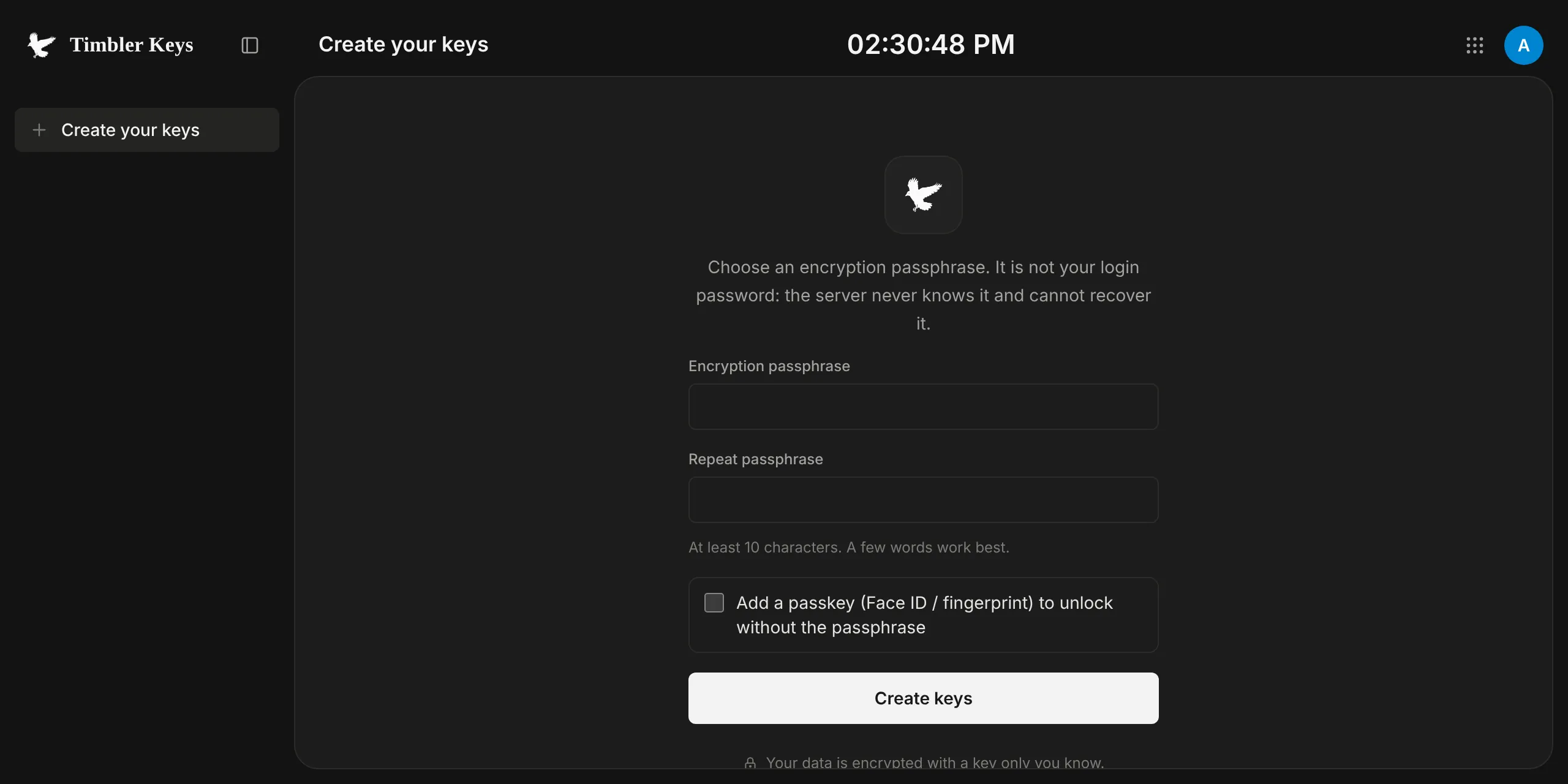
2. Choose how to unlock
- Passkey (recommended). Uses your device’s biometrics or screen lock. Requires a browser that supports the WebAuthn PRF extension.
- Encryption phrase. A long phrase you remember. Don’t reuse your sign-in password.
You can add more passkeys and change your phrase later in Key Hub.
3. Save your recovery phrase
Key Hub shows a recovery phrase and asks you to confirm it. Write it down and keep it offline. It is the only way back in if you lose every passkey and forget your phrase.
4. Use your apps
When you open an app, it gets its own subkey from Key Hub through a short redirect. After that the app keeps working on this device without asking again.
Two things ask for a fresh unlock every time: Vault, and any item you mark “always ask”.
Lock a device
On a shared or lost device, use Lock this device in Key Hub. Every Timbler app in that browser forgets its keys; the next access needs your passkey or phrase again.