 Timbler
Your dev box, anywhere.
VS Code in the browser
A full IDE on your workspace VM, opened in a new tab — no local setup.
Coding agent
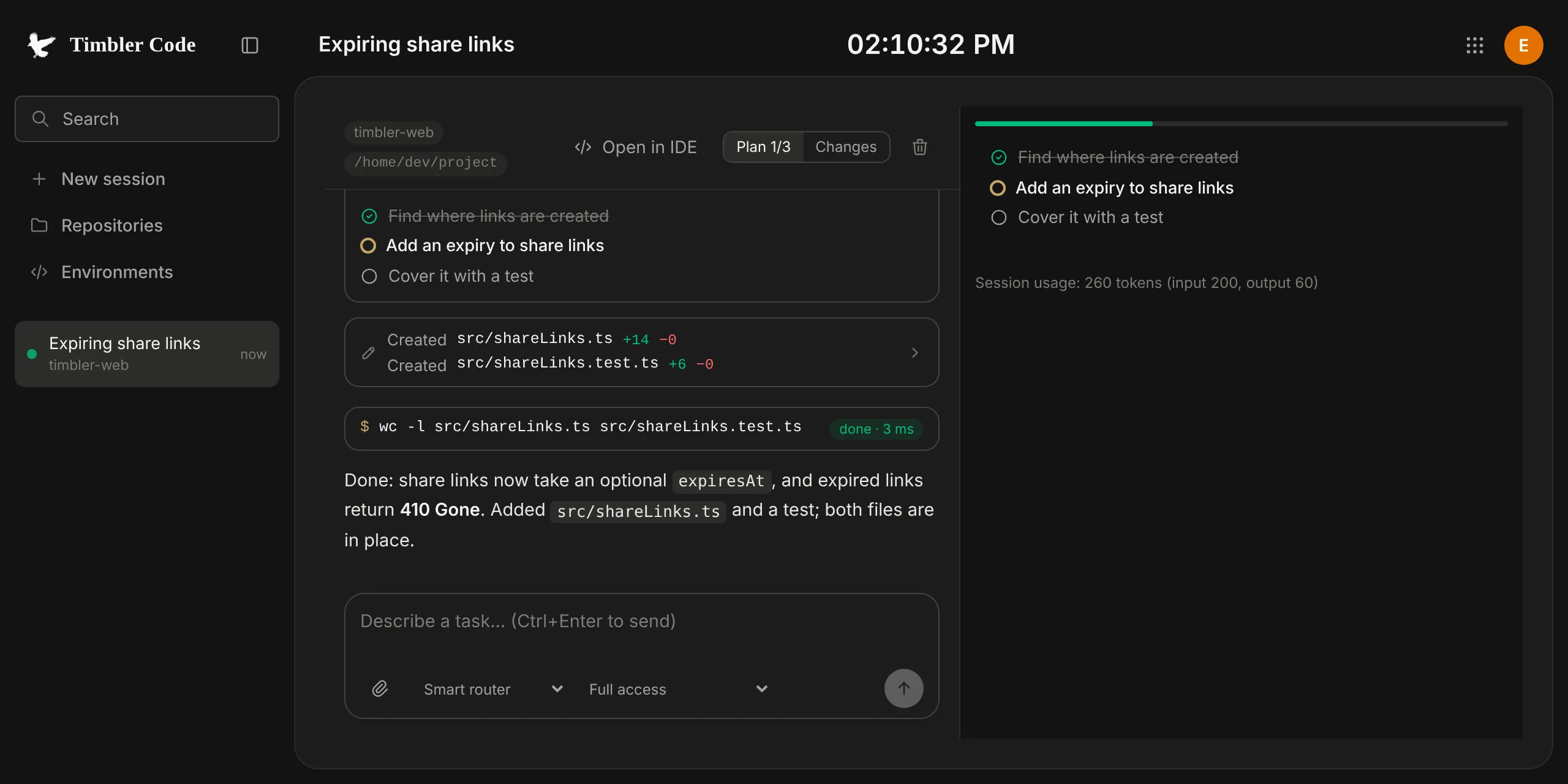
Sessions with a plan, diffs with highlighting, branch changes and commands.
GitHub and GitLab
Connect once; pick repositories and branches, open pull requests from the browser.
Keys you verify
Workspace VM keys are pinned on first use and checked by fingerprint.
Tokens stay yours
Git tokens are encrypted under your account key and handed to the VM’s broker only.
Sessions that persist
An encrypted session journal lets you pick up where the agent left off.
How Code keeps it private
Connecting GitHub or GitLab requires an OAuth exchange with a server-side secret, so the token passes once through our backend — in memory, without logs or storage — and lands in your encrypted git accounts. After that it lives only there and in the workspace’s credential broker.
The IDE runs inside a sandbox on a separate domain; the connection to your workspace is end-to-end encrypted between your browser and the VM.